
Powerful conversations in Felt: Comments, Public Feedback, and Grouping
Mapping deserves to be a team sport. That’s why we are launching comments, public feedback, and grouping.
April spotlight: 10 best Felt Community maps
Here is how Felts were putting maps to use lately — from trying out new raster imagery features to locating best biking routes in Hungary.
GeoTIFFs, XYZ urls, and raster imagery – now in Felt
Felt’s collaborative modern map-making platform now works for raster files. Try it today.
March spotlight: 10 best Felt Community maps
Here is how Felts were putting maps to use lately — from locating cherry blossoms in Korea to visualizing every street in London by its width.
Creating maps on the web with QGIS & Felt
Many users prepare data in QGIS before styling and sharing in Felt. Here are some of the ways they are leveraging this combo to create beautiful maps on the web.
Monthly spotlight: 10 best Felt Community maps
Here is how Felts were putting maps to use lately — from mapping world’s electric battery gigafactories to investigating whale strandings on the East Coast.
January spotlight: 10 best Felt community maps
Here is how Felts were putting maps to use in January — from tracking Indigenous territories, treaties, and languages to visualizing Czech Presidential Election results.
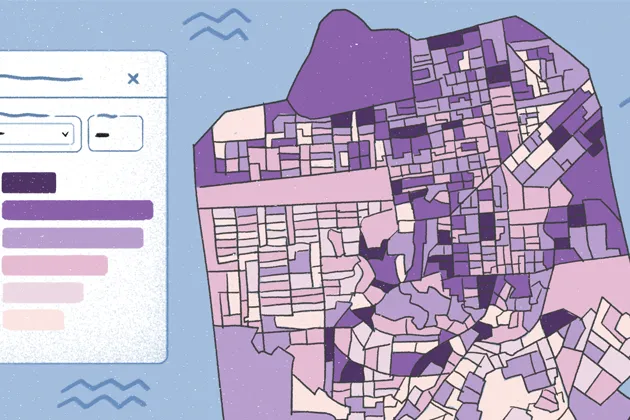
Beautiful new ways to visualize data in Felt
Drag and drop your numeric data into Felt and watch it appear as an informative, beautiful visualization.
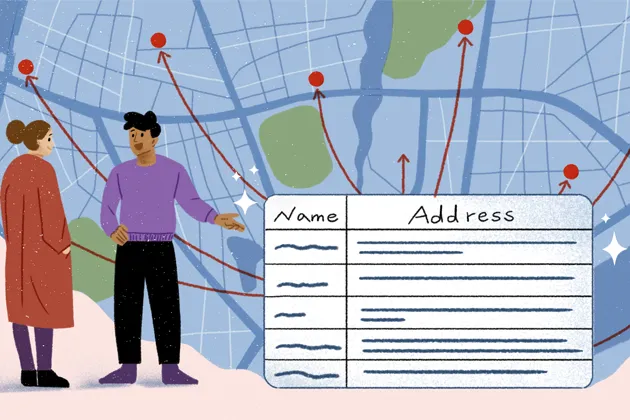
New in Felt: Geocoding, Geomatching, and Choropleths
Supercharging our uploads: we are stoked to share new features that allow you rapidly visualize and style your data.
December spotlight: 10 best Felt Community maps
Here is how Felts were putting maps to use during this holiday season — from outlining Santa’s route around the world to analyzing NYC bike accidents data.

Felt for educators: best strategies to keep students engaged
Maps are a wonderful way to understand our world. Here is how Felt makes it easy to create and share beautiful interactive maps.
Make your maps shine with powerful background and styling controls
Unlock Felt for professional use: add your organization’s basemaps, select styles to make your data shine, and export to PNG or PDF to bring your reports to life.
Bring your data, see it on the map
Connect a database or drop in a file and see your data live on a map in minutes.