CAD, drone imagery, and surveys on one map
Put CAD drawings, drone imagery, and survey data on one map your whole project team can use. Compare sites, coordinate fieldwork, and review plans with clients in the browser, then export deliverables as GeoPackage or Shapefile for ArcGIS.
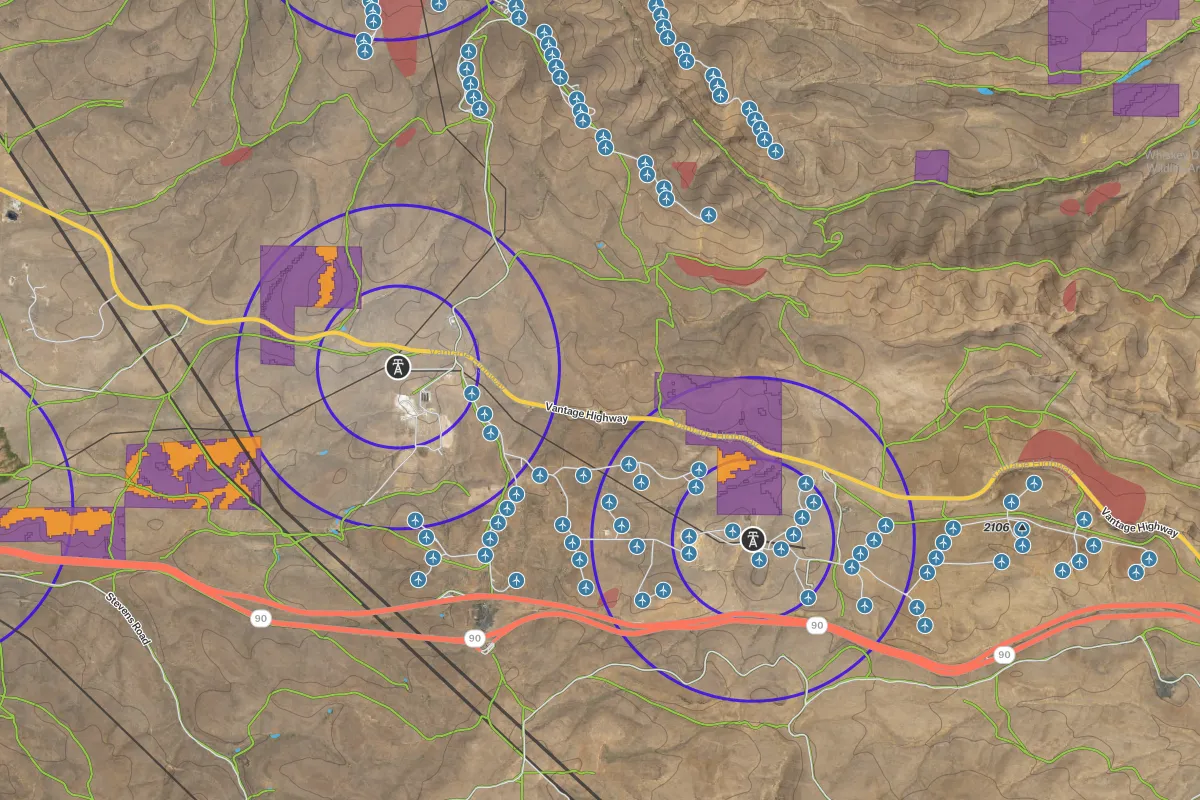
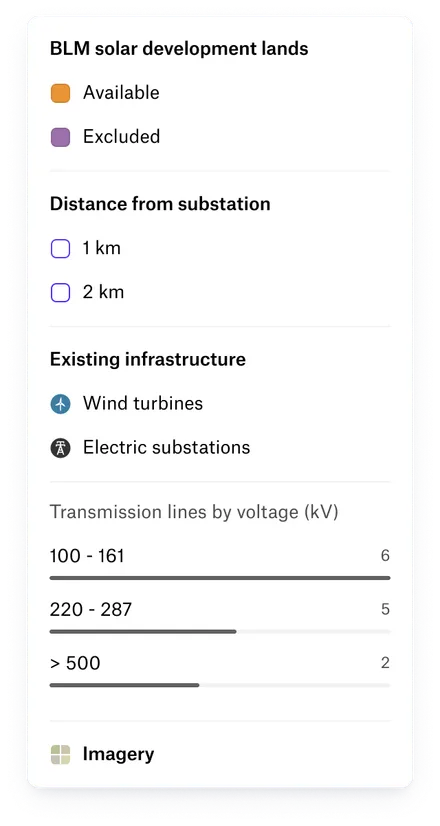






Move projects forward with a shared view
From feasibility to client review, give everyone access to the drawings, imagery, and field data behind your plans.
Find the right site before design begins
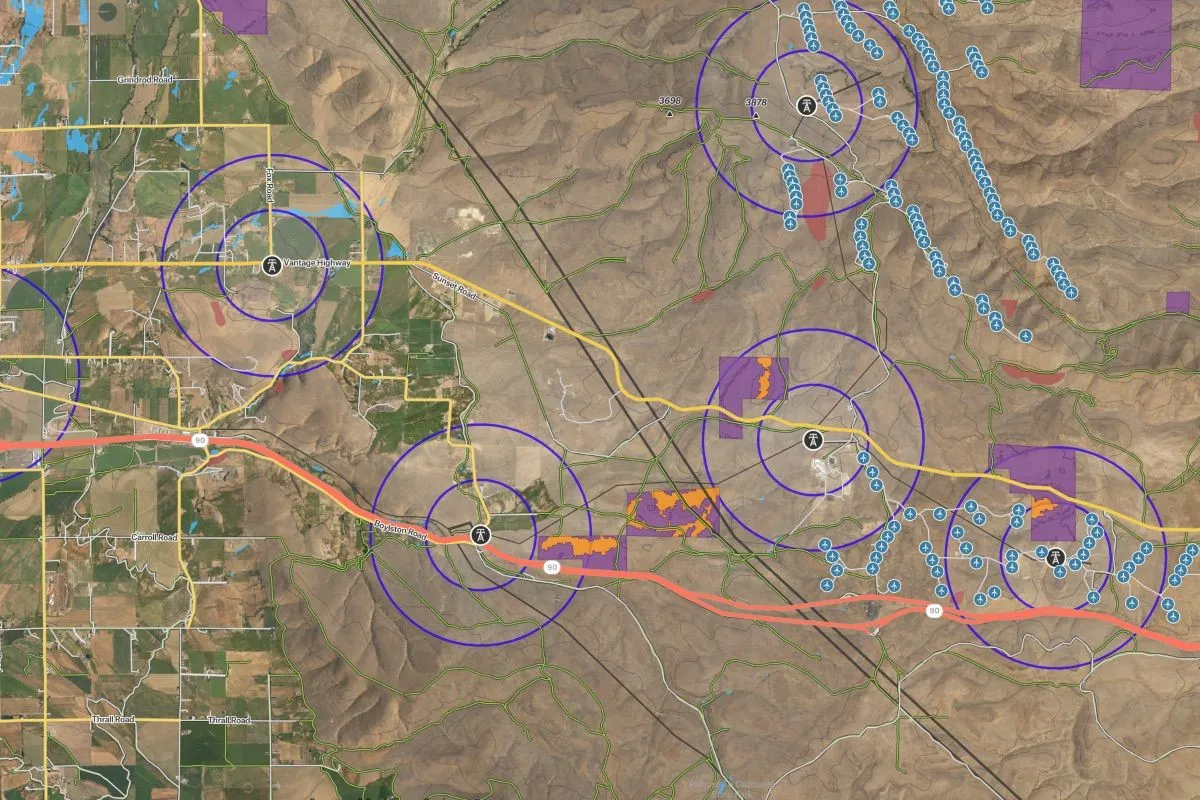
Identify promising sites and surface constraints before design starts. Combine parcel and project data, run buffers and overlays, or ask Felt AI to help compare options in plain language.
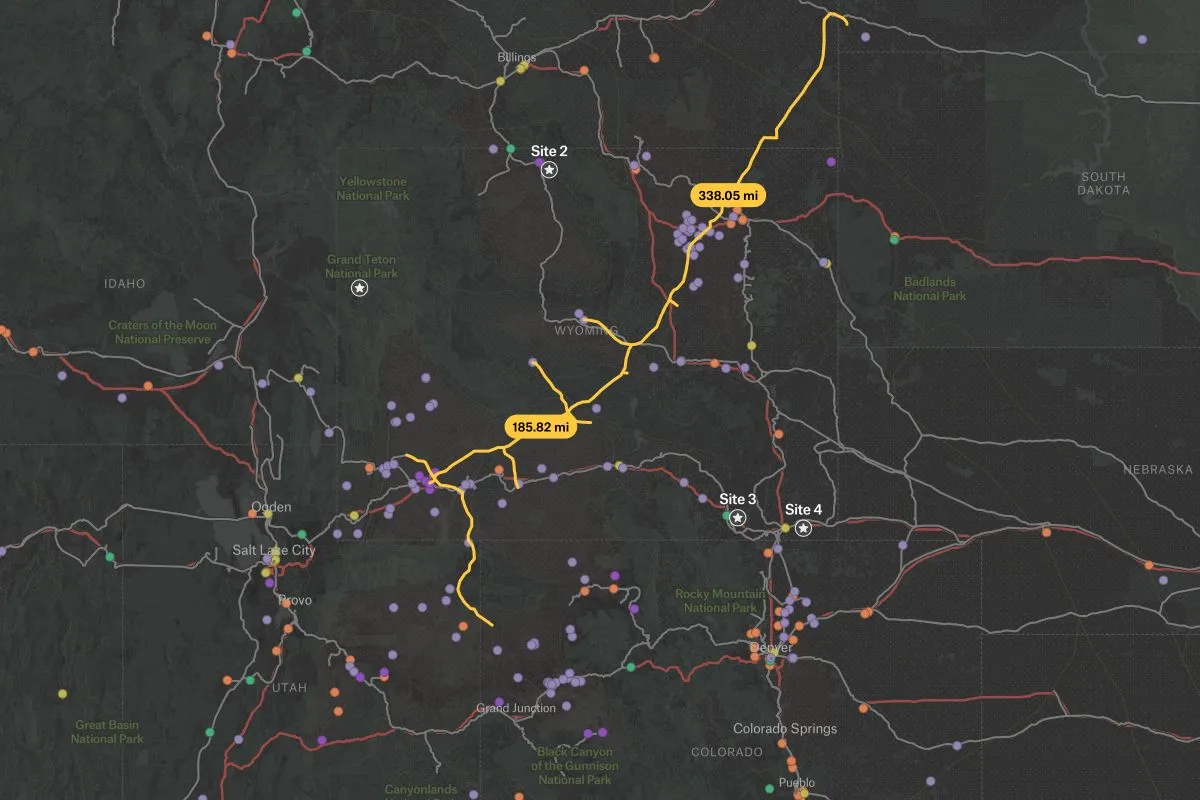
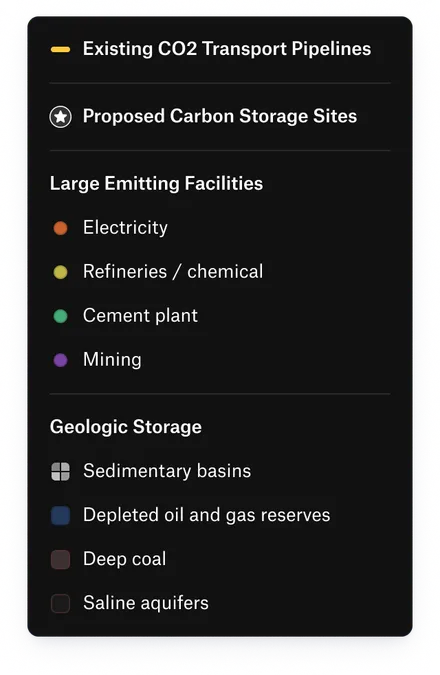
Keep the project team working together
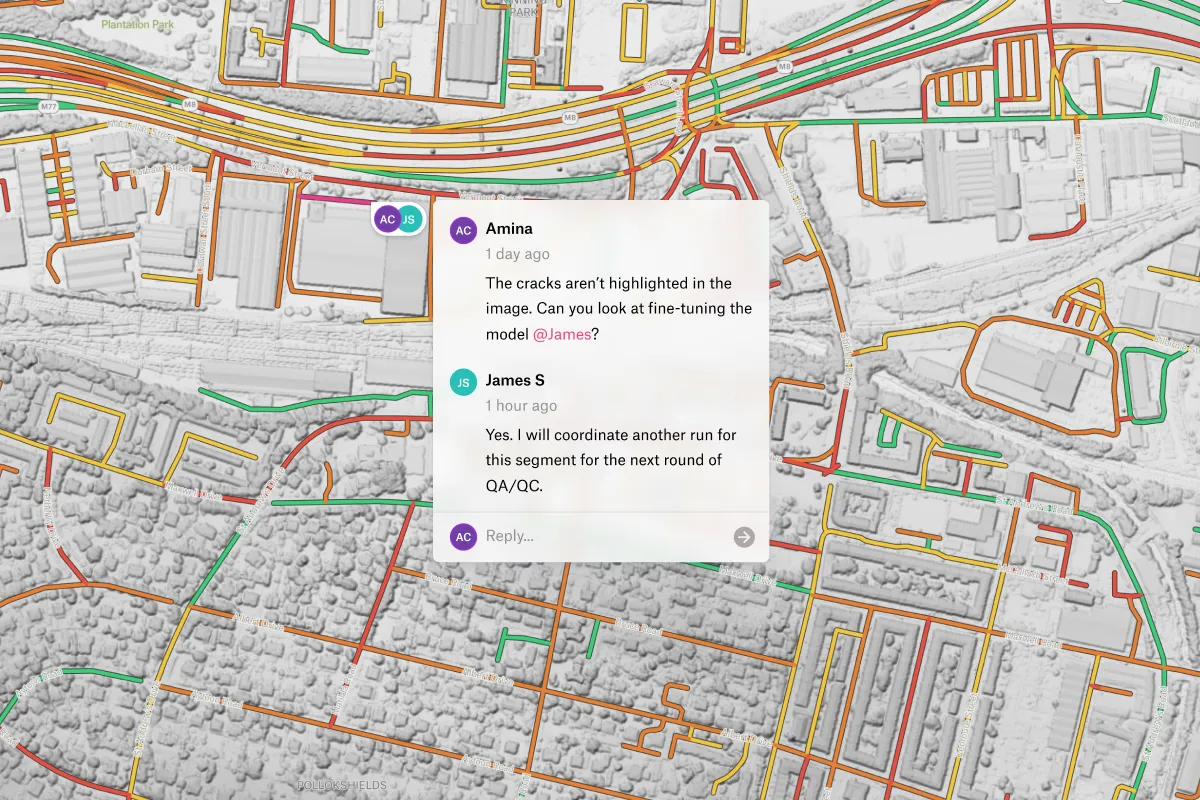
Keep plans and feedback in one place as the project evolves. Engineers and planners edit a shared map, while partners and crews leave comments on the exact feature that needs attention.
Make client reviews easier
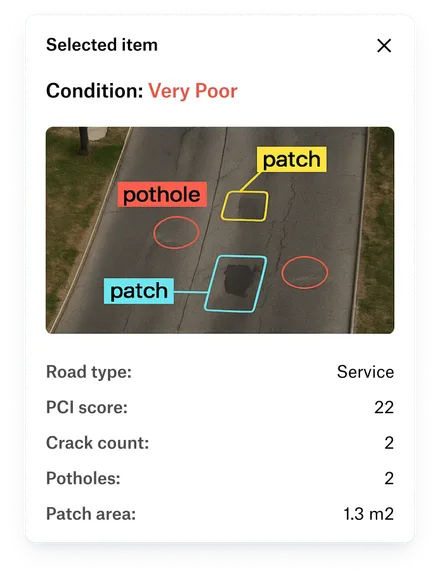
Give clients a clear view of the project in their browser or on your project website, with no paid seat required to view. Deliver edited layers as GeoPackage or Shapefile when they need to continue working in ArcGIS.
Engineering and infrastructure teams that run on Felt

With Felt and Databricks, our site acquisition team was able to self-serve insights for the first time.

The up front investment to build a custom solution that met our performance standards would have been massive.

Our GIS analysts and software engineers got 20% of their time back when we moved to Felt – that’s huge.

Common questions
- 01Can field crews collect data without a signal?
Yes. Crews can download the project area in the Felt Field App and record observations, complete forms, and attach photos without a signal. Findings sync with the office when the device reconnects.
- 02Can Felt handle files in different coordinate systems?
Yes. Felt reads the coordinate system from each file and lines it up with everything else on the map, with no reprojecting first. Export deliverables as GeoPackage or Shapefile for use in ArcGIS.
- 03Can Felt place DWG and DXF drawings in the right location?
Yes. Import DWG and DXF drawings as layers alongside survey data and imagery. Drawings need real-world coordinates and a coordinate system assigned in AutoCAD to align correctly.
- 04How large can drone orthomosaic files be in Felt?
Upload orthomosaics and elevation models up to 100 GB per file without converting them to Cloud Optimized GeoTIFF first. For larger imagery, stream Cloud Optimized GeoTIFFs from your bucket with no file size limit.
- 05Can Felt handle multi-gigabyte files and millions of features?
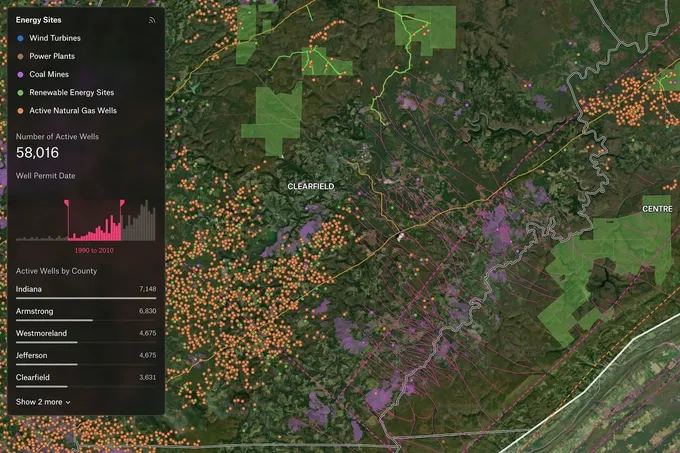
Yes. Felt has no cap on features per layer or layers per map, so you can work across an entire corridor or project. Upload files up to 100 GB in the browser, or connect larger datasets from your database or bucket.
Bring your data, see it on the map
Connect a database or drop in a file and see your data live on a map in minutes.