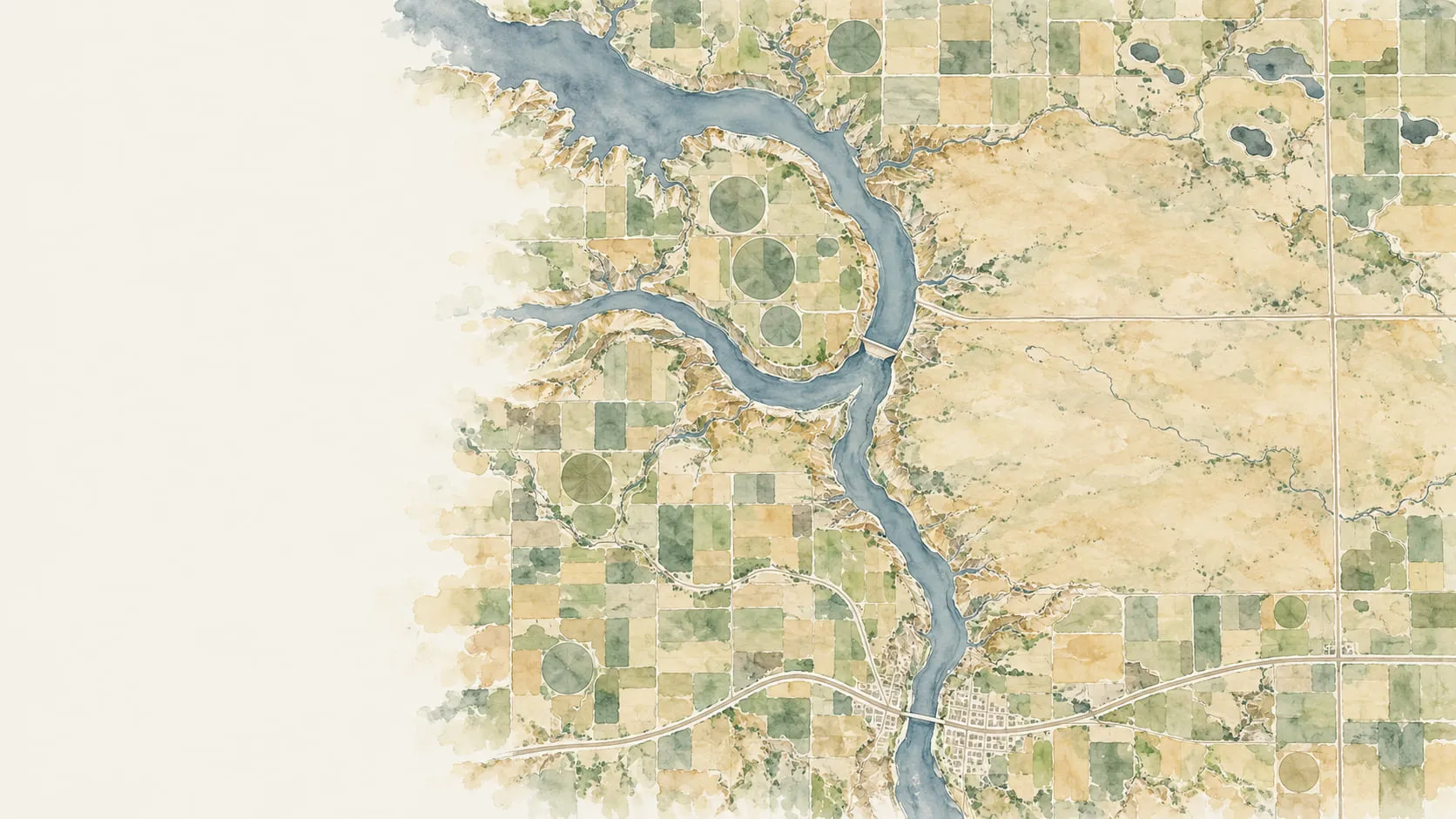
GIS expertise, a prompt away.
Ask Felt AI in plain language, or connect Claude, ChatGPT, or other AI tools. Either way, Felt finds the data, runs the analysis, and builds the map, dashboard, or tool your team needs.
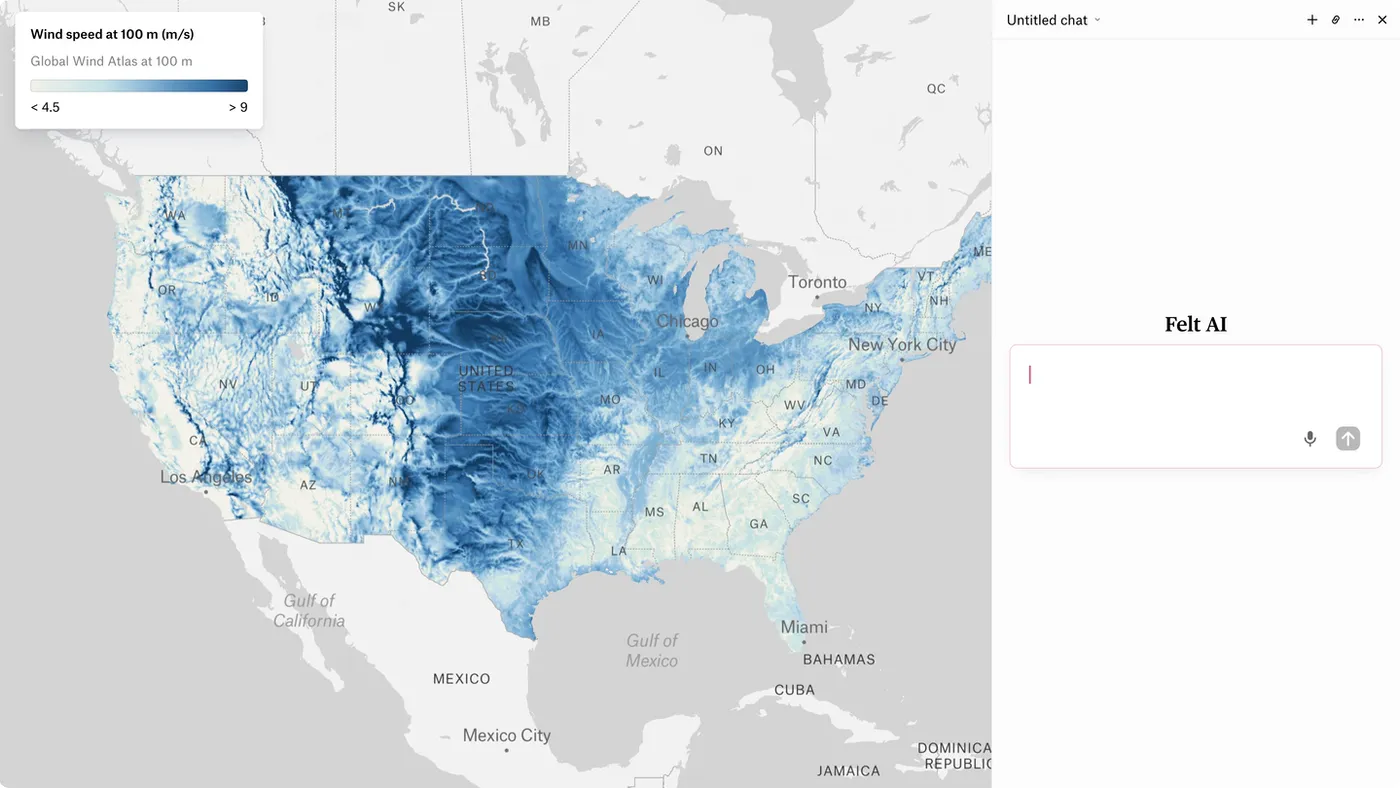
Where should we build our next wind farm?
Zonal mean wind speed for 3,109 counties ›
Joined USGS turbines and transmission lines ›
Scored 3,109 counties on four factors · kept top 25 ›
Wind Turbine Suitability by County is live.
The Dakotas are your answer. Buffalo and Minnehaha clear 7.8 m/s with nothing built on them, and four of the top 25 are in eastern South Dakota.






Where to build. What’s at risk. Who to send. Just ask.
A spatial question used to mean a ticket to the GIS team. In Felt, whoever has the question asks it in plain language. Ask where to build your next wind farm and Felt AI finds the wind data, scores thousands of counties, and leaves the answer as a live layer, saying what it’s doing as it does it.
Whichever AI you choose, it gets a full GIS
Connect Claude, ChatGPT, Copilot, or other AI tools to Felt’s MCP server with one sign-in. Your agent gets a full GIS: it runs spatial analysis on your data where it lives and hands back live maps your team can open and edit, with no GIS stack to build first.

What your agent can do in Felt
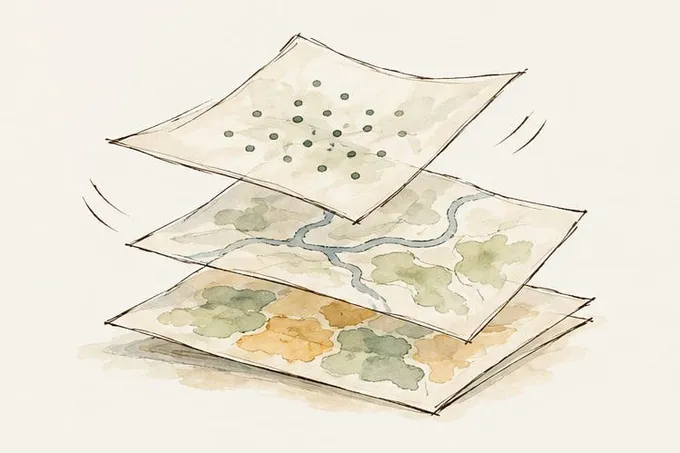
Bring in data
ArcGIS services, WMS, GeoJSON, Shapefiles, Felt’s library, or your cloud sources.
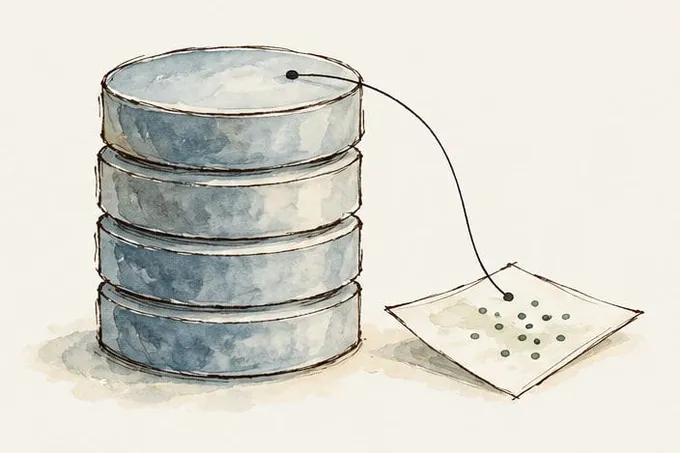
Query the warehouse
SQL against Snowflake, BigQuery, Databricks, Postgres, or Redshift. The data stays put.

Analyze and style
Join, filter, and make new layers, styled for you: categorical, numeric, heatmap, H3.
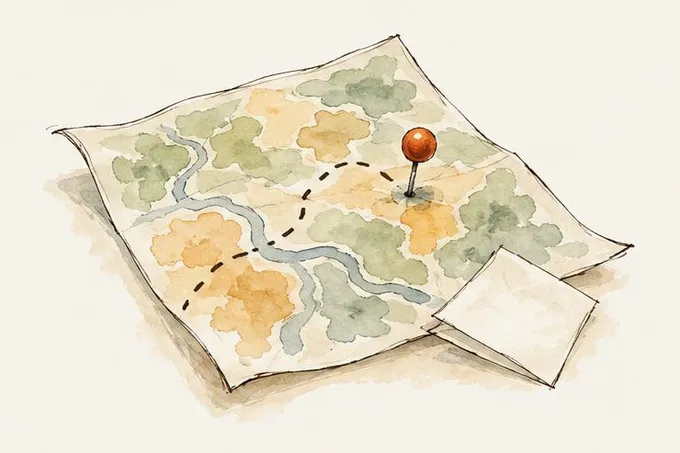
Make maps to share
Maps, projects, pins, routes, and notes, under the permissions you already have.

“With Felt AI we can create full blown apps in minutes.”
John Dawes, Co-Founder, The Commons
The Commons used to build interactive maps with legacy tools that were “click heavy and cumbersome”: weeks to months of development for each custom feature. With Felt AI they built a 30-metric restoration dashboard for Chesapeake Bay Program partners in half a day.
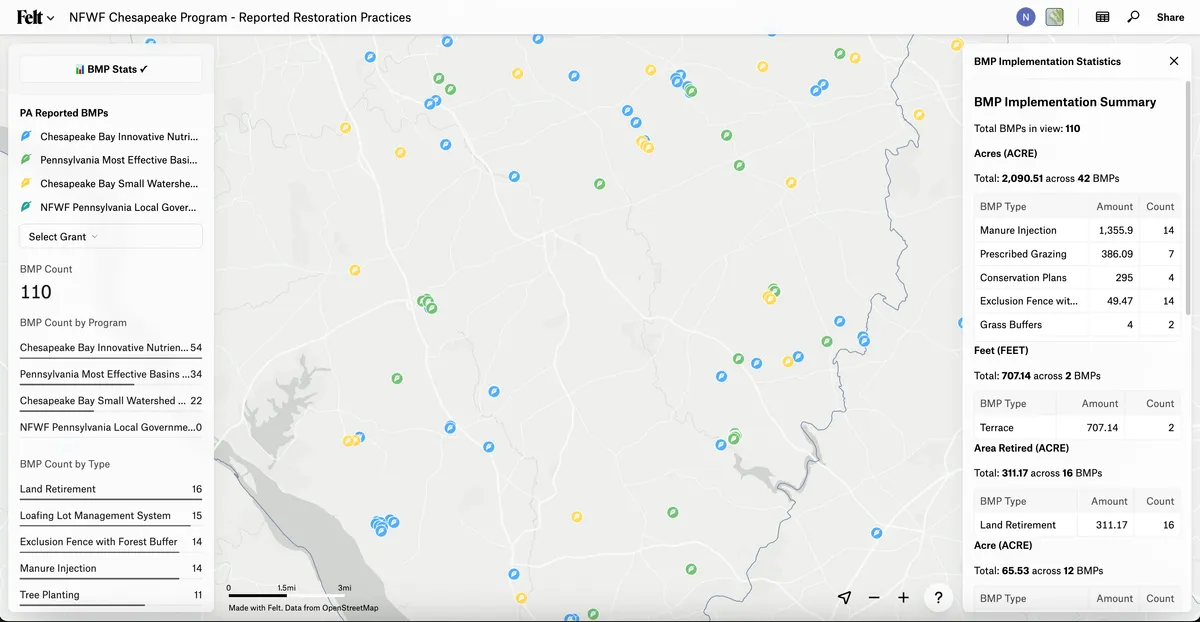
Restoration Project Summary Map·Chesapeake Bay
Under the hood
One hosted MCP server, for any agent
Felt’s MCP server runs in the cloud, so there’s nothing to install and no local bridge to maintain. When your agent needs GIS, it calls Felt through MCP: it finds your data, runs SQL in your warehouse, and sends back a live map your team can open.
Your AI tool
“Create a hazard risk assessment of our facilities and share with the team.”
Asked in Claude
Felt MCP server
Run by Felt
30 tools in six groups
The agent picks the ones it needs
The tools it calls
- browse_data_sources→ Databricks, Snowflake
- create_layer_from_data_source→ 703 facilities loaded
- import_layer_from_url→ 3,108 counties
- create_layer_from_felt_layers→ 703 facilities enriched
Your warehouse
Databricks
SELECT * FROM energy_ops.portfolio_facilities
The SQL runs here; the data stays where it lives
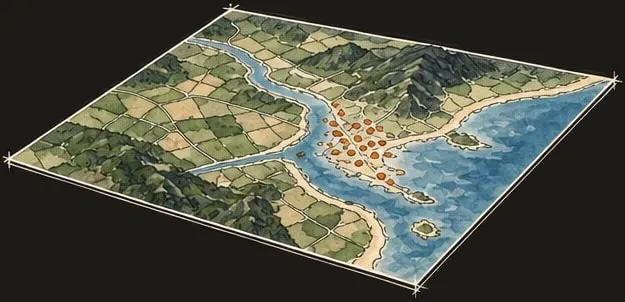
A live Felt map
165 of 703 facilities in the top two risk tiers
Sent to #infrastructure-risk
Your team opens it, checks it, edits it
Works from
Claude · ChatGPT · Gemini · Microsoft Copilot · Cursor
The same endpoint serves each, and any other MCP-compatible tool. Whichever model you standardize on next, the spatial layer doesn’t change.
Setup
One hosted endpoint
Nothing to install and no local bridge to maintain: your agent reaches it from wherever it runs, Claude.ai, your IDE, or a Slack bot. Sign in with your Felt account; no API key.
Writes SQL against
Snowflake · BigQuery · Databricks · Postgres · Redshift
Dialect-aware guidance is built in, so the agent reads the schema and writes its own SQL against the source instead of guessing. A million points takes the same prompt as a thousand.
Available on
Business · Enterprise
The agent inherits the permissions of the person it acts for: it sees only what they can see, edits only what they can edit, and the maps it makes follow your workspace’s controls.
It builds, not just suggests
Ask for the tool, not just the answer
A custom map tool used to mean SDK docs, a development environment, and weeks of code. Ask Felt AI and it writes the tool: an extension on the map, a popup your team clicks, an analysis with its SQL there to check.
In Felt·
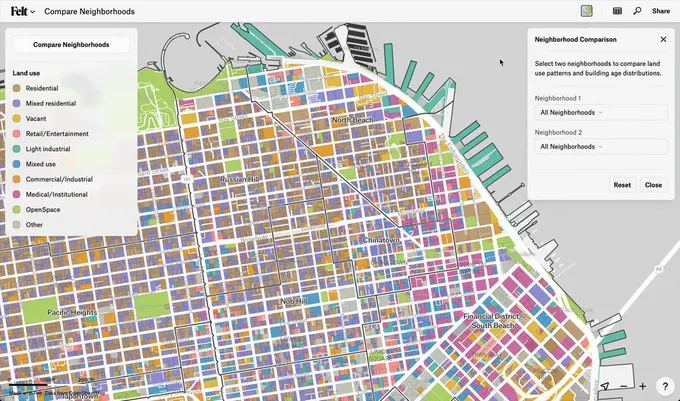
Build the tools your team has been waiting for
Turn an idea into a tool your team can use. Describe what you need, such as a priority-site filter or neighborhood comparison, and Felt AI writes the code for an extension on your map.
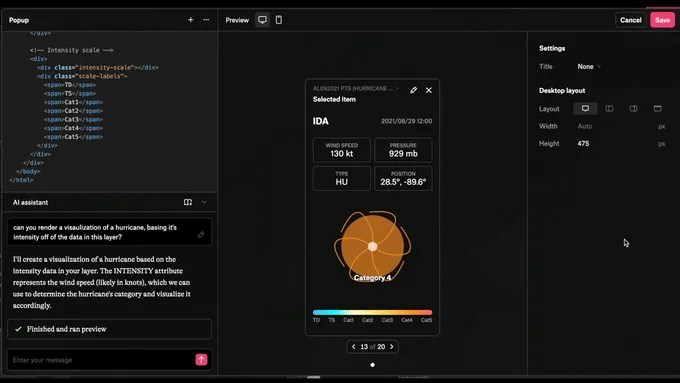
Custom popups, written for you
Click a site and see what matters about it. Ask Felt AI to write a custom HTML popup with the stats, images, or charts your team checks.
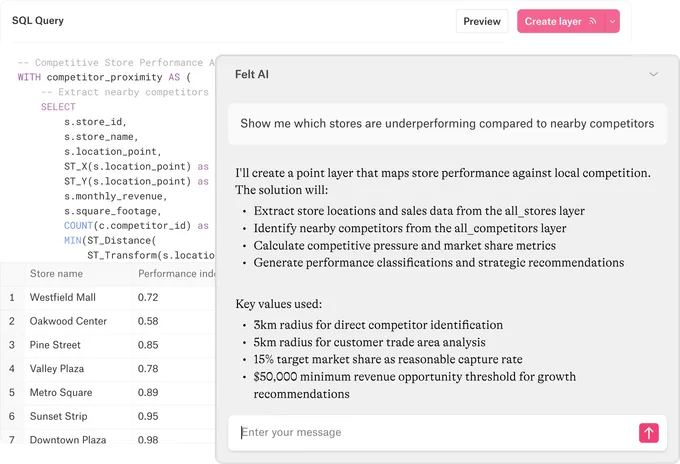
Spatial analysis and SQL, in plain language
Find underperforming stores, compare service areas, or identify sites at risk with a plain-language request. Felt AI runs the analysis and shows its SQL and steps so you can review the result.
Your data stays yours
Frontier models, through Amazon Bedrock
Felt AI runs on frontier models through Amazon Bedrock.
Never trained on your data
Data processed by Felt AI is never used to train models.
Private until you share
Conversations stay private unless you share them.
Only what you can reach
In Felt or through an agent, it works with your own access: the maps and data you have permission to use, nothing else.
Common questions
Felt AI in Felt
- 01What can Felt AI do?
Felt AI turns a plain-language request into a working map. It finds data, runs buffers, joins, and SQL, and builds dashboards and custom tools, showing each step so you can check its work.
- 02Can I ask Felt AI questions about my data?
Yes. Ask about your sites, assets, or customers in plain language. Felt AI queries your map layers and connected databases, answers in chat, and shows the SQL behind the result. Database queries are read-only.
- 03Which AI model does Felt AI use?
Felt AI runs on frontier models through Amazon Bedrock. It works with your own Felt access, so it reaches only the maps and data you can.
- 04Is our data private when we use Felt AI?
Yes. Data processed by Felt AI is never used to train models. Conversations stay private unless you share them, and Felt AI can access only the maps and data you have permission to use.
Felt in your AI tools
- 05Can I use Felt from Claude, ChatGPT, or my own agent?
Yes. Connect Claude, ChatGPT, Cursor, or another compatible AI tool through Felt’s MCP server to create maps, add data, and run SQL. Sign in with your Felt account; no API key is needed.
- 06Does our data leave the warehouse?
No. The MCP server connects to Snowflake, BigQuery, Databricks, Postgres, and Redshift, so the agent writes SQL against the source and Felt renders the result. Mapping a million points takes the same prompt as mapping a thousand.
- 07What can an agent see and change in Felt?
Only what you can. An agent acting in Felt inherits the permissions of the person it acts for, and any map it makes is governed by the same workspace controls as one you built yourself.
- 08Which plans include the MCP server?
The Felt MCP server is available on Business and Enterprise workspaces.
Bring your data, see it on the map
Connect a database or drop in a file and see your data live on a map in minutes.